Renting a car changes the dash cam conversation a little. You want something that helps document a trip without making the rental harder to live with, harder to set up, or harder to remove when it is time to return the keys.
This roundup compares 10 portable and travel-friendly options for renters, airport travelers, families, business trips, and road trips. The focus is on dash cams and driving documentation, with an eye toward easy setup, useful recording features, and rental-car practicality.
Quick Answer
The best portable dash cam for rental cars is usually a compact, easy-to-move model with loop recording, incident locking, and a setup that does not require permanent vehicle changes. For most renters, the Garmin Dash Cam Mini 3 is the cleanest low-profile pick, while the ROVE R2-4K DUAL and REDTIGER F7N TOUCH are stronger if you want front-and-rear coverage and more built-in features.
What to Look for in Best portable dash cam for rental cars
Easy removal and low-profile placement
Rental-friendly gear should come off cleanly at return time. A compact body, simple mount, and minimal windshield footprint are all helpful when you do not want extra clutter in a temporary vehicle.
Evidence features that help document a trip
Loop recording, G-sensor event locking, and clear front or dual-channel video are the most useful basics for driving documentation. Those features help preserve important clips without requiring constant babysitting.
Power and setup that fit a rental workflow
Portable cameras that can start recording automatically and do not depend on permanent vehicle changes are easier for renters. If a product mentions parking mode or hardwiring, verify whether that setup is allowed before using it in a rental.
Screen size and distraction level
Some travelers prefer a visible display for quick playback, while others want a screen-free or tiny design to keep the windshield clean. For rental cars, less visual clutter often means easier day-to-day driving.
Wi-Fi, app access, and file handling
Wireless downloads can make it easier to save clips before returning the car. If you plan to document a road trip or business travel route, app access and quick file transfer can be more useful than extra on-device controls.
Coverage needs for your trip
Some renters only need front-facing documentation. Others may want rear coverage, 360-degree recording, or interior visibility for family travel, rideshare-style use, or extra incident context. Match the camera to the trip, not just the spec sheet.
Practical Tips
Before mounting anything, check the rental agreement and avoid modifying the vehicle, hardwiring, or bypassing factory systems without written permission.
Keep the camera, mounts, and cables easy to remove so the car can be returned in its original condition.
Verify current app support, included storage, and any parking-mode requirements on the product page before you buy.
Our Top 10 Best Portable Dash Cam For Rental Cars Picks and Reviews
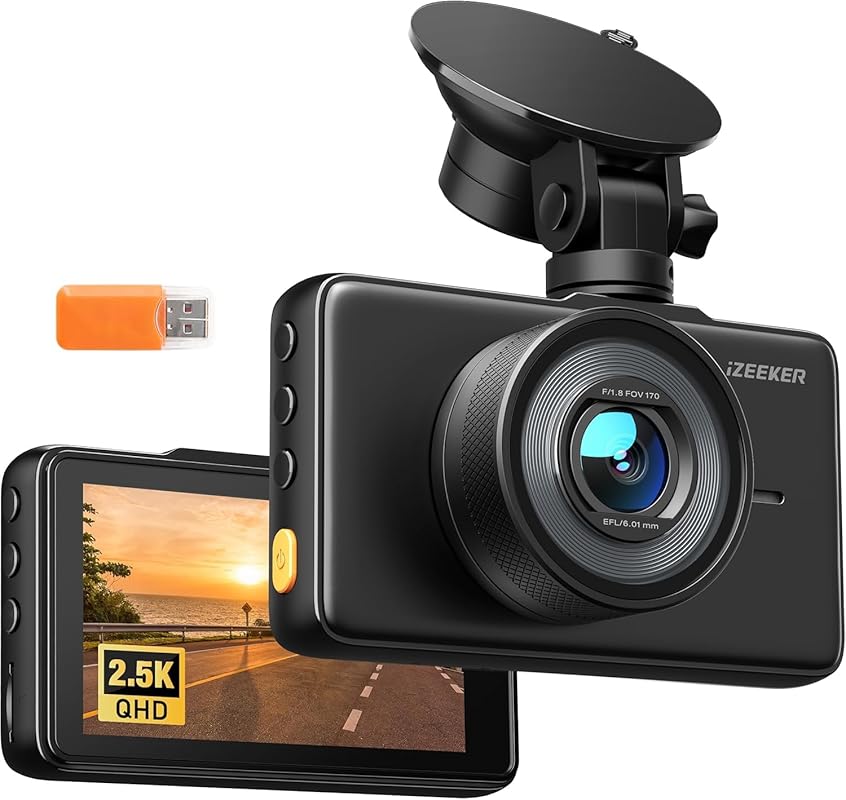
This is a straightforward front-facing option for renters who want simple driving documentation without a lot of extra complexity. The included microSD card and automatic recording features make it especially practical for short trips and airport rentals.
Key Features That Stand Out
2.5K QHD recording with a 170-degree wide-angle lens helps capture more of the road ahead.
Automatic recording and loop recording support hands-off operation during a rental period.
G-sensor emergency recording can save important clips after a sudden shock.
Parking monitoring is listed, though 7/24 parking monitoring requires a hardwire kit that is not included.
Why It Stands Out
Among lower-cost options, this model covers the essentials renters usually care about: easy startup, incident locking, and a wide forward view. It is a sensible choice when you want documentation without moving into a more expensive dual-camera setup.
Best ForBudget-conscious renters who want a simple front dash cam for trips and daily driving.
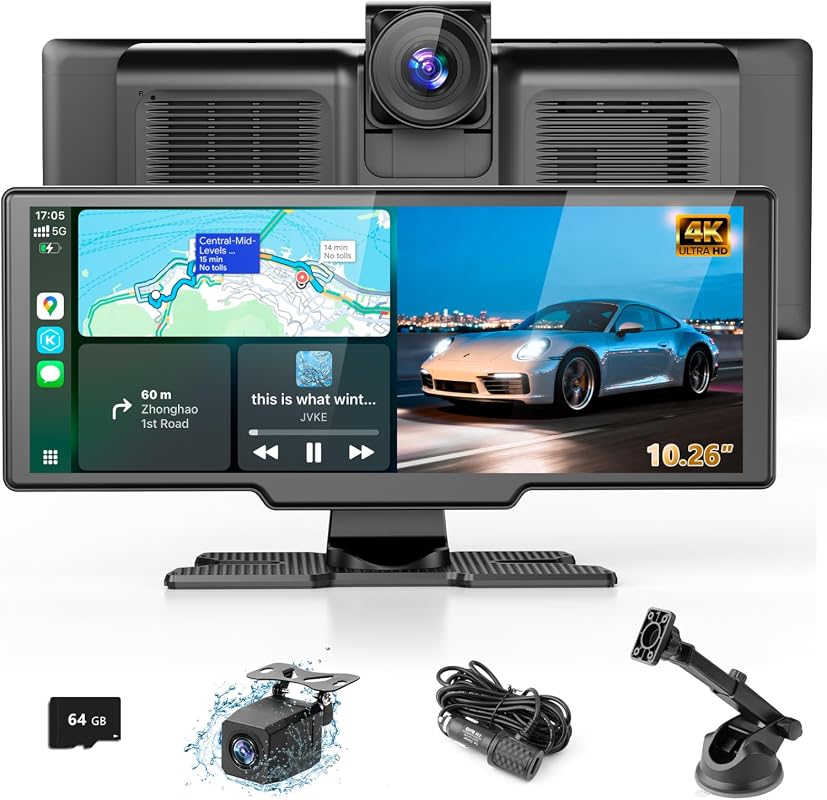
This is the most feature-packed travel option in the roundup for renters who want a portable screen plus dash cam coverage. It combines wireless phone integration with front and rear camera recording, which may appeal to travelers who want fewer separate devices in the cabin.
Key Features That Stand Out
Wireless CarPlay and Android Auto support can simplify navigation and media use on the road.
4K front camera and 1080P rear camera provide dual-channel coverage.
10.26-inch IPS touchscreen with split-screen viewing can show both feeds at once.
Multiple audio output modes add flexibility for in-car sound.
Miracast and AirPlay support expand phone-screen casting options.
Why It Stands Out
For renters who want a dash cam plus a portable infotainment layer, this product stands apart from the more traditional cameras in the list. The tradeoff is that it is clearly more complex than a simple windshield camera, so it fits travelers who want extra functionality and are comfortable with more setup.
Best ForTravelers who want a portable screen with front and rear recording in one setup.
Pros and Cons
Pros
Combines dash cam and portable CarPlay-style screen.
Front and rear cameras are both listed.
Large touchscreen may be easier to manage on longer trips.
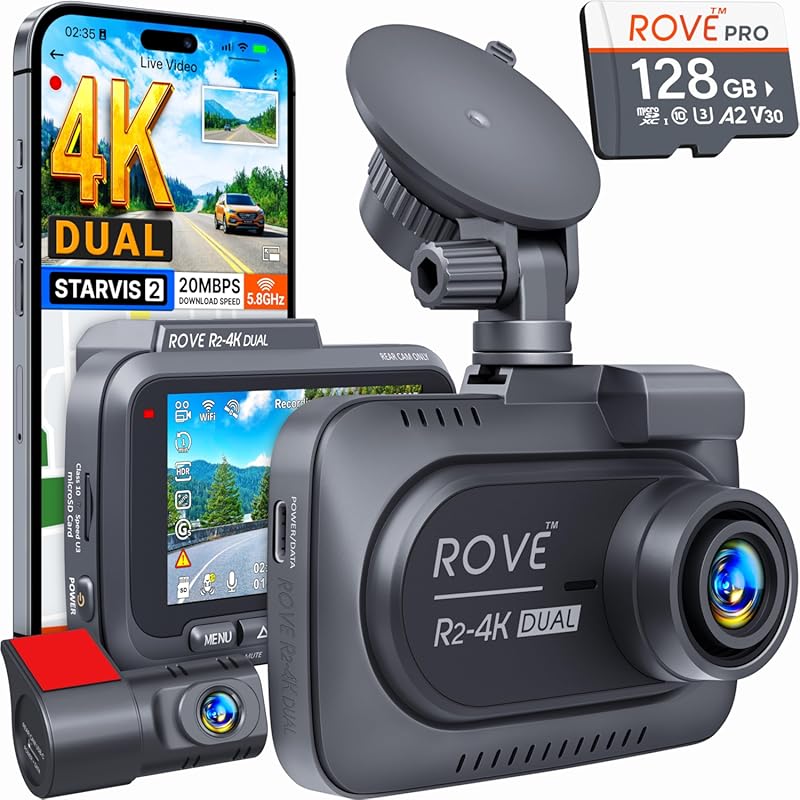
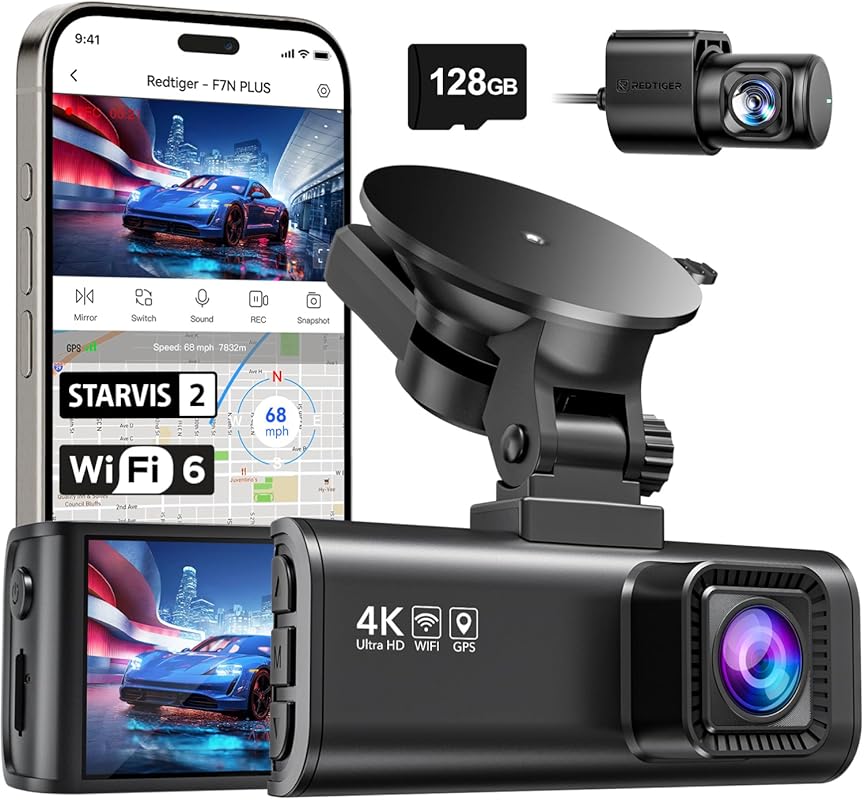
This model brings together premium-feeling features that matter for documentation, including dual-channel recording, GPS data, fast Wi-Fi, and included storage. For renters who want a more complete setup without jumping into the most expensive tier, it is one of the strongest balances in the list.
Key Features That Stand Out
4K front and 1080P rear recording gives you broader incident coverage.
Sony STARVIS 2 sensor and bright apertures support low-light clarity.
Built-in GPS adds speed, route, and location data to recordings.
5GHz and 2.4GHz Wi-Fi support fast app-based access.
Includes a 128GB microSD card.
Why It Stands Out
For rental-car travelers, the included memory card and dual-channel setup reduce the amount of add-on shopping needed. It is a strong fit if you want more robust evidence capture and easier clip management during a road trip or business drive.
Best ForFrequent travelers who want a feature-rich dual dash cam with included storage.
Pros and Cons
Pros
Dual-channel recording adds rear coverage.
Included 128GB card is convenient for renters.
Fast Wi-Fi and GPS improve file handling and trip documentation.
Higher price tier than basic single-camera picks.
Parking features may depend on setup and vehicle policy.
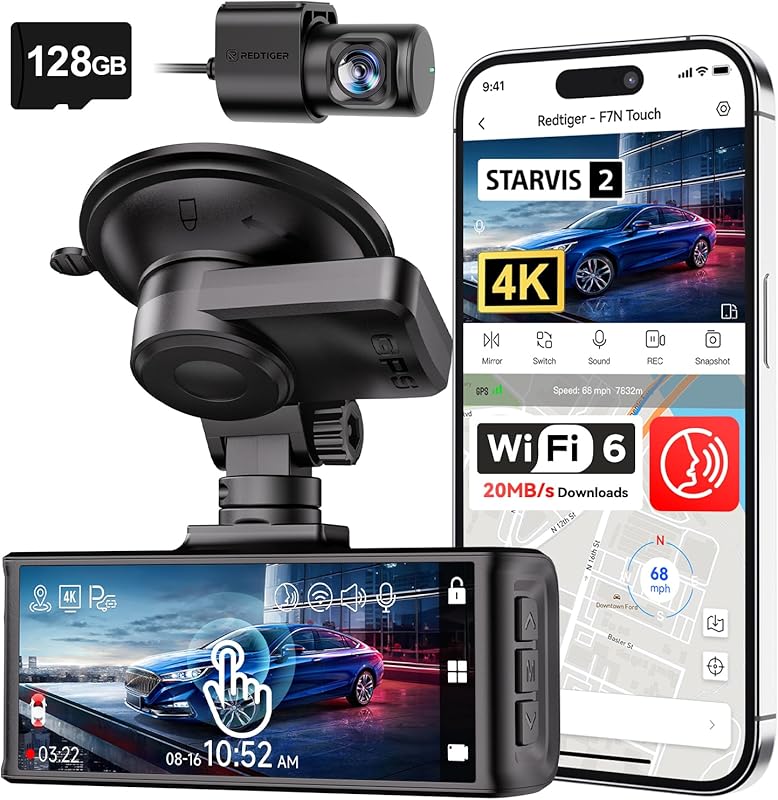
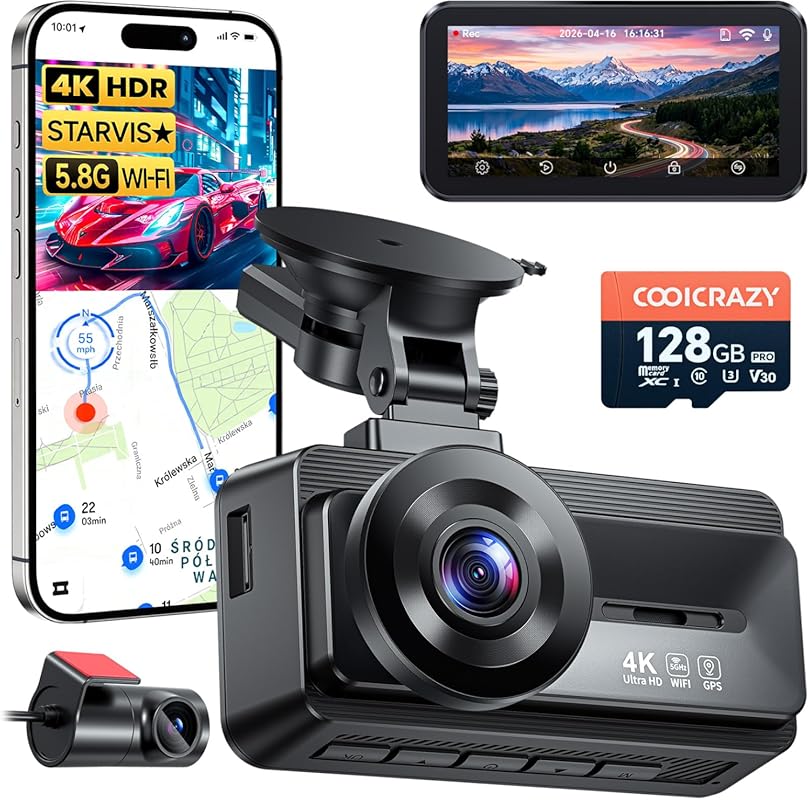
This pick focuses on ease of use as much as recording quality. Voice control, touchscreen controls, GPS, and dual-camera coverage make it a practical choice for travelers who want more control without digging through menus while driving.
Key Features That Stand Out
4K front and 1080P rear recording with STARVIS 2 sensor support.
Voice control and touchscreen operation offer two ways to manage the camera.
Built-in GPS records route and speed data.
5.8GHz Wi-Fi supports faster downloads.
Loop recording and G-sensor protection help preserve important clips.
Why It Stands Out
It sits in a useful middle ground for renters who want strong documentation features and convenient controls. The touch interface may be especially appealing if you prefer a camera that is easier to manage during a busy travel day.
Best ForTravelers who want a touchscreen dash cam with voice control and GPS.
Pros and Cons
Pros
Multiple control methods can reduce hassle.
Front and rear coverage is included.
Fast Wi-Fi helps with clip transfers.
More features can mean more setup decisions.
Parking monitoring needs separate hardwire-kit support.
This is another strong dual-channel option for renters who want broad coverage and GPS tagging. It is positioned for commuters, road trips, and new drivers, which makes sense for people who want a little more documentation than a basic single-camera model.
Key Features That Stand Out
4K front and 1080P rear recording with 170-degree and 140-degree views.
STARVIS 2 sensor, WDR, HDR, and a large aperture support low-light capture.
Built-in 5.8GHz Wi-Fi enables app-based review and downloads.
GPS data can show route, speed, and location.
Free memory card included.
Why It Stands Out
This model makes sense if you want front-and-rear coverage with a familiar feature set and included storage. It is a practical choice for longer rentals where you expect to save several clips and want GPS data available alongside the video.
Best ForRoad-trippers and commuters who want dual-channel recording with GPS.
This camera is aimed at travelers who want a well-rounded front-and-rear setup with storage already included. It also emphasizes night vision, GPS, and 5GHz Wi-Fi, which are all useful when you need to save and review clips quickly on the go.
Key Features That Stand Out
4K UHD front and dual recording with 170-degree front and 150-degree rear coverage.
STARVIS night vision and WDR technology help in low-light conditions.
128GB storage is included.
24-hour parking monitoring is listed, though setup requirements should be verified.
GPS tracking and 5GHz Wi-Fi support trip documentation and file transfer.
Why It Stands Out
The included storage and broad coverage make this a useful travel companion for people who want one camera to handle both day-to-day driving and a longer rental period. It is especially appealing if you value a more complete package without buying extras separately.
Best ForTravelers who want included storage and broad front-and-rear coverage.
Pros and Cons
Pros
Includes 128GB storage.
Strong night-vision and WDR feature set.
GPS and Wi-Fi improve review and sharing.
Parking monitoring setup should be checked carefully.
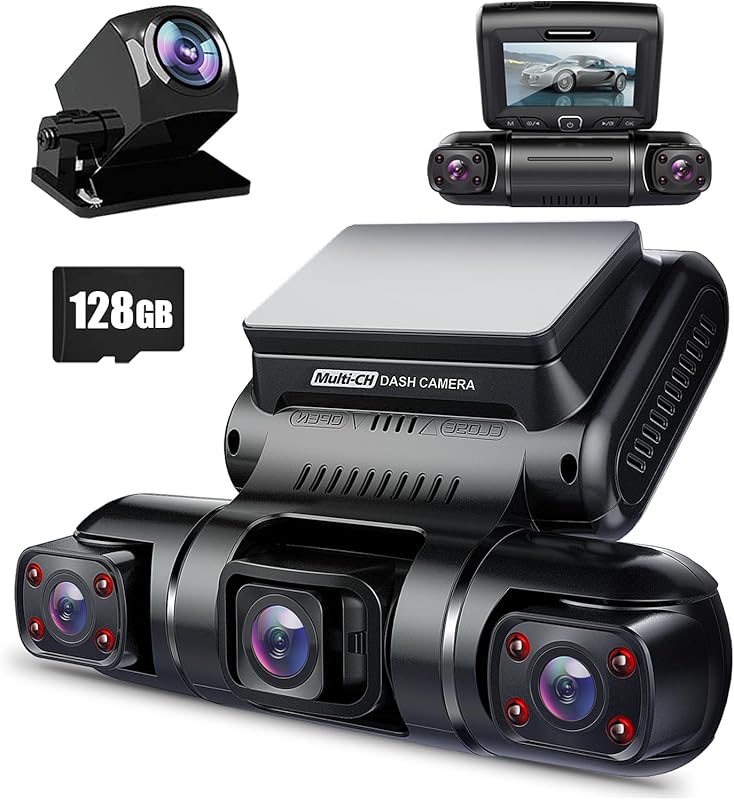
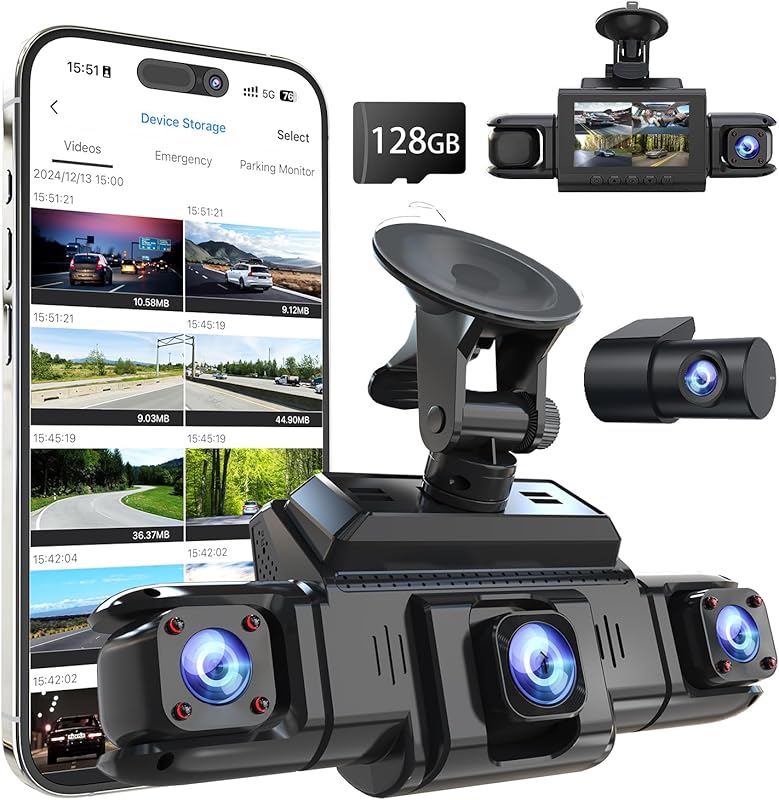
This is the coverage-heavy choice in the roundup. Four cameras and 360-degree recording make it the most documentation-focused option here, which can matter for larger vehicles, family trips, or renters who want visibility from every side.
Key Features That Stand Out
Four 1080P cameras record the front, rear, left, and right sides.
Adjustable lenses can change coverage angles and include interior views.
Time-lapse recording compresses footage for storage savings.
Built-in GPS tracks speed, route, and location.
Built-in Wi-Fi supports smartphone access.
Why It Stands Out
If your main goal is broad documentation rather than a minimalist setup, this model offers the most angles in the group. It is a stronger fit for travelers who are willing to handle a more involved installation and want more complete situational coverage.
Best ForRenters who want 360-degree recording and multi-angle documentation.
Pros and Cons
Pros
Four-camera coverage is broad.
GPS and Wi-Fi add useful trip data and access.
Time-lapse can help manage storage.
More complex than a simple windshield camera.
ACC hardwire kit is sold separately for parking mode.
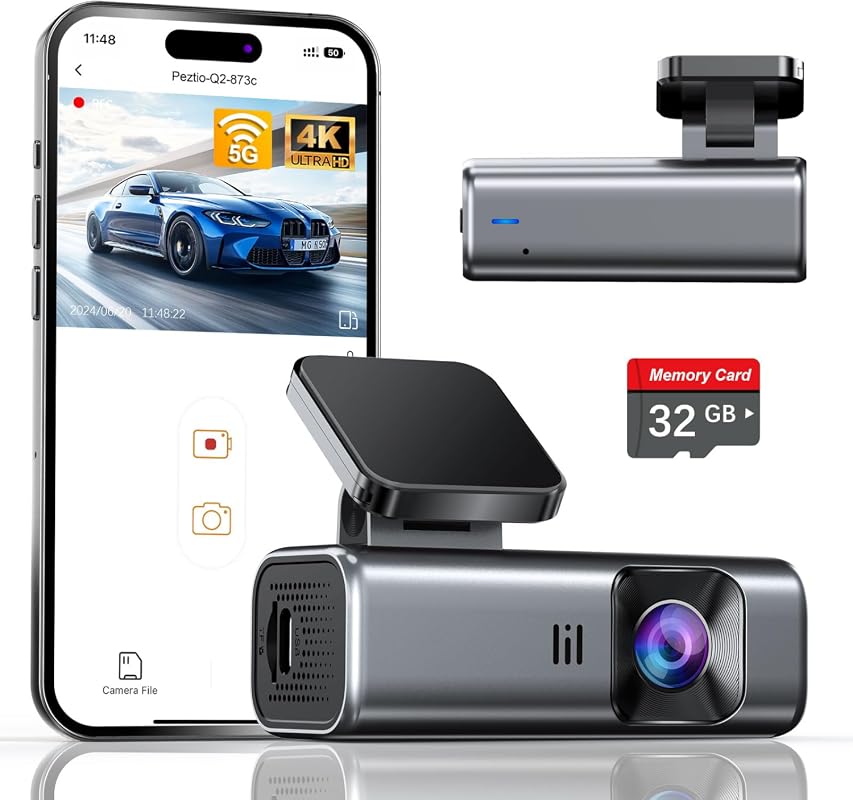
This is a clean, compact front-camera choice for renters who want a low-distraction setup. The screen-free design and included 32GB card make it appealing if you want something easy to place, easy to ignore, and ready to record.
Key Features That Stand Out
4K 2160P front recording with a 160-degree wide-angle lens.
5GHz Wi-Fi supports faster downloads than basic 2.4GHz connections.
Screen-free design reduces visual clutter.
Compact body is meant to be easy to install.
Includes a 32GB memory card.
Why It Stands Out
This model is a good fit for renters who want a simple front dash cam without a large display or a more complicated dual-camera layout. It keeps the focus on recording and portability rather than extra cabin features.
Best ForMinimalist renters who want a compact, screen-free front dash cam.
Pros and Cons
Pros
Compact and less distracting.
Includes storage card.
Fast Wi-Fi can simplify file transfers.
No rear camera is listed.
Screen-free design may not suit users who want on-device playback.
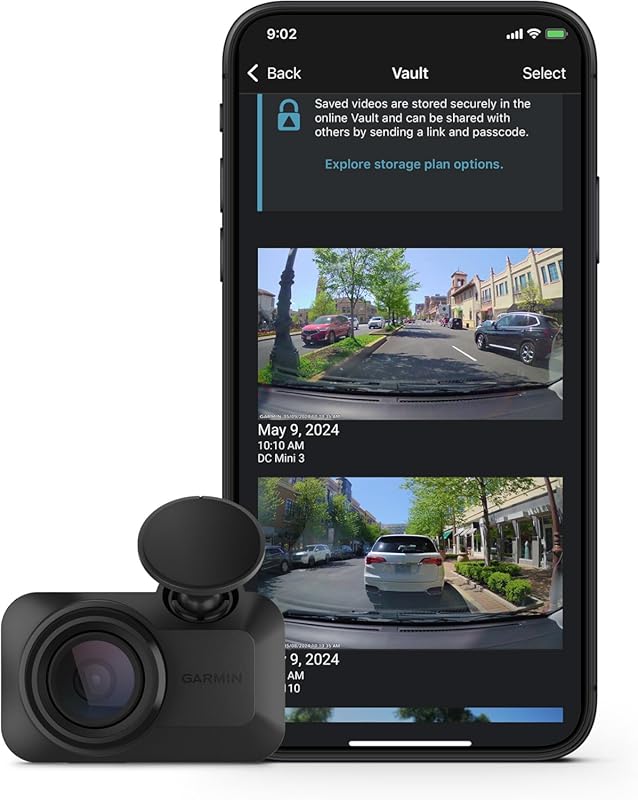
This is the most discreet option in the roundup. It is designed for drivers who want a camera that stays out of the way while still recording incident footage, which is especially useful in a rental where you may want the windshield to look as uncluttered as possible.
Key Features That Stand Out
Ultracompact, key-sized design stays low profile on the windshield.
1080p HD recording with a 140-degree field of view.
Voice control can start or stop audio recording and save video.
Online Vault support is available with a paid subscription and active Wi-Fi network connection.
Why It Stands Out
For many renters, the appeal here is simplicity and discretion. It does not try to do everything, but it does aim to stay unobtrusive while still capturing useful driving footage and offering voice control for easier operation.
Best ForDrivers who want a tiny, unobtrusive dash cam for rental cars.
Pros and Cons
Pros
Very small footprint.
Polarizer helps manage glare.
Voice control adds convenience.
Only 1080p front-facing recording is listed.
Some advanced features depend on subscription and connectivity.
This is another multi-camera documentation option for renters who want wide coverage and flexible recording angles. It is similar in purpose to the PRUVEEO model but keeps the focus on 1080P four-channel capture and app-based sharing.
Key Features That Stand Out
Four 1080P cameras record front, rear, left, and right views.
Night vision and WDR are listed for low-light balance.
Optional GPS logger adds route, speed, and time tracking.
5GHz Wi-Fi supports mobile app access.
Why It Stands Out
If you want broad coverage but do not need a top-end 4K front camera, this can be a more focused documentation tool. It is a strong match for family rentals, multi-passenger trips, or anyone who wants a lot of angles without leaning on a giant display.
Best ForFamilies and long-distance renters who want four-channel coverage.
Pros and Cons
Pros
Four-camera coverage is useful for full-context documentation.
Many of the more advanced parking features in this roundup require a hardwire kit or other setup steps that may not be appropriate for a rental vehicle. Before using any parking mode, GPS logger, or wired installation, check the rental agreement and get written permission if the setup could alter the vehicle.
Complete Buying Guide for Best Portable Dash Cam For Rental Cars
The best rental-car dash cam is the one that fits your trip, your tolerance for setup, and the rental company’s rules. A simple front camera may be enough for a short airport rental, while a longer road trip may call for dual-channel or wider coverage.
Think in terms of portability, not just recording quality. In a rental, easy removal, low clutter, and clear power requirements matter as much as resolution and app features.
Price & Value Guide
Entry LevelBest for occasional renters who need simple, portable help without advanced features.
Mid RangeBest for frequent travelers who want better convenience, durability, and rental-car flexibility.
PremiumBest for road trippers or families who need stronger features, better build quality, or broader compatibility.
Compatibility and intended use
Start with how you plan to use the camera. A front-only unit is usually easier to live with in a rental. Dual-channel models add rear evidence, while 360-degree systems make more sense for family trips, larger vehicles, or drivers who want a fuller record of what happened around the car.
Also check whether the camera depends on a hardwire kit, optional GPS logger, or subscription service. Those details can affect whether the product is truly portable for your situation.
Dos and don’ts for renters
Do This
Choose a camera that can be removed quickly before the vehicle is returned.
Verify any parking mode, GPS, or app feature on the current product page.
Keep the rental company’s policy in mind before mounting or powering accessories.
Don’t Do This
Don’t hardwire, bypass, or modify the rental vehicle without written permission.
Don’t assume parking mode is usable just because it is listed.
Don’t block your view with a screen or mount that creates distraction.
Practical setup tips
Practical Tips
Use the smallest setup that still gives you the footage you want.
Save a few minutes at pickup to confirm the camera powers on and records correctly.
If you plan to keep clips, make sure the app or storage method is easy to access before drop-off.
For airport rentals, compact and screen-light designs are often the least stressful to manage.
!
Rental Gear Check
Before driving away, confirm that the camera mount, cable routing, and power source do not interfere with controls, airbags, mirrors, or the rental car’s return condition. If the setup looks permanent, rethink it.
Garmin Dash Cam Mini 3: tiny, discreet option for rental windshields.
360 View 4 Channel Dash Cam: four-camera coverage for family and long trips.
Remember to check rental policy before using any accessory that needs hardwiring or vehicle changes.
Match the camera to the trip length and how much footage you actually need to manage.
Frequently Asked Questions About Best Portable Dash Cam For Rental Cars
Often yes, but you should always check the rental agreement and local rules first. Portable, removable setups are usually easier to manage than anything that changes the vehicle.
A portable dash cam is easy to mount, easy to remove, and does not require permanent vehicle changes. Compact size and simple power handling also help.
Not always. Front-only recording is enough for many short trips, but rear coverage can be helpful on longer drives or if you want more context.
It can be useful, but many parking modes depend on hardwiring or extra setup. Verify the product requirements and the rental company’s policy before relying on it.
Higher resolution can help with detail, but it is only one part of the decision. Ease of use, coverage, and portability often matter more for renters.
That depends on your preference. Screens can make playback easier, while screen-free designs usually stay more discreet and can reduce windshield clutter.
If you want the simplest rental-friendly choice, start with a compact front camera and keep the setup as removable as possible. If you expect a longer trip or want more complete documentation, move up to a dual-channel or multi-camera model.
For most travelers, the right answer is not the most feature-heavy model. It is the one that fits the rental, stays out of the way, and gives you the footage you actually need.
How We Evaluated
This roundup is based on the supplied product records only, including titles, listed features, ratings, review counts, prices, and affiliate links. Because no verified first-hand testing evidence is available, the recommendations use evidence-based editorial judgment focused on rental-car practicality, portability, documentation features, setup burden, and likely fit for airport travel, road trips, and temporary vehicle use. Whenever a feature may depend on extra hardware, a subscription, or rental-company permission, we flagged that limitation rather than assuming compatibility.
Alex Cater is a car rental researcher and travel mobility writer at Giraffe Car Rentals. He creates simple, practical guides that help drivers compare rental prices, understand insurance, avoid hidden fees, and choose the right vehicle for airport pickups, city travel, business trips, and road trips.
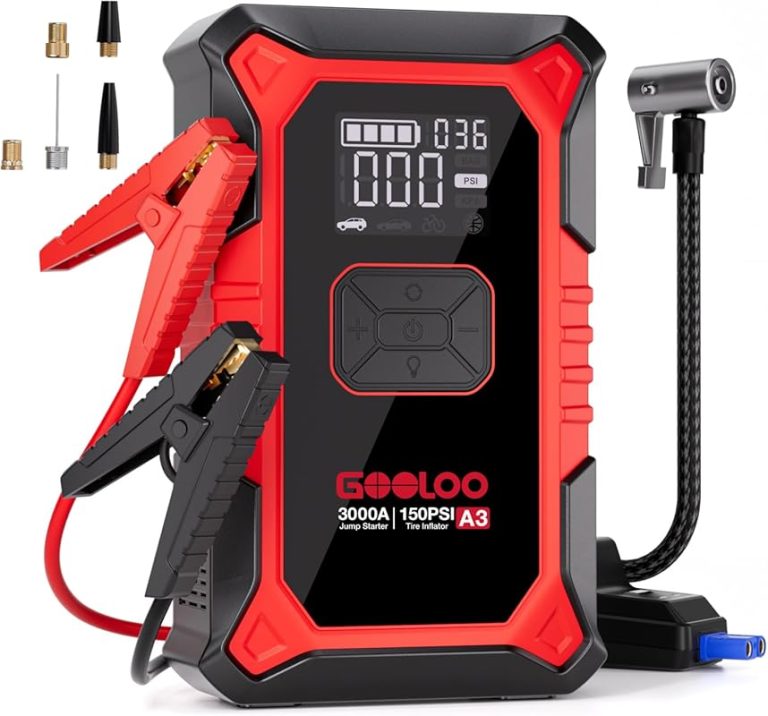
Compare 7 portable jump starter with air compressor combos for roadside safety, with top picks for renters, road trips, emergency use, and trunk storage.
Compare 7 4-in-1 jump starters with air compressors for roadside safety, trunk storage, and travel use. Find the best mix of value, power, and features.